
Deploying Models
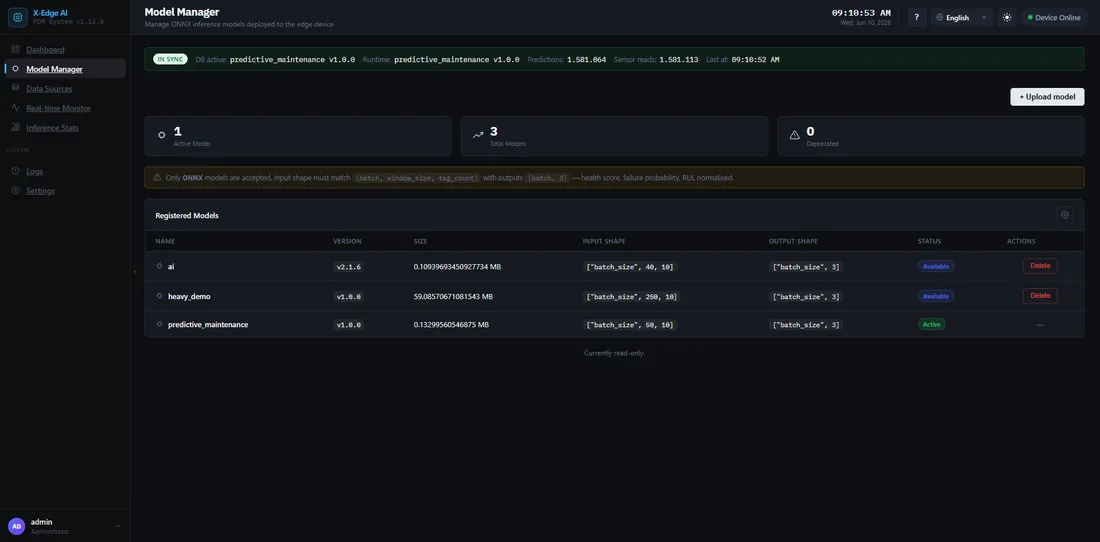
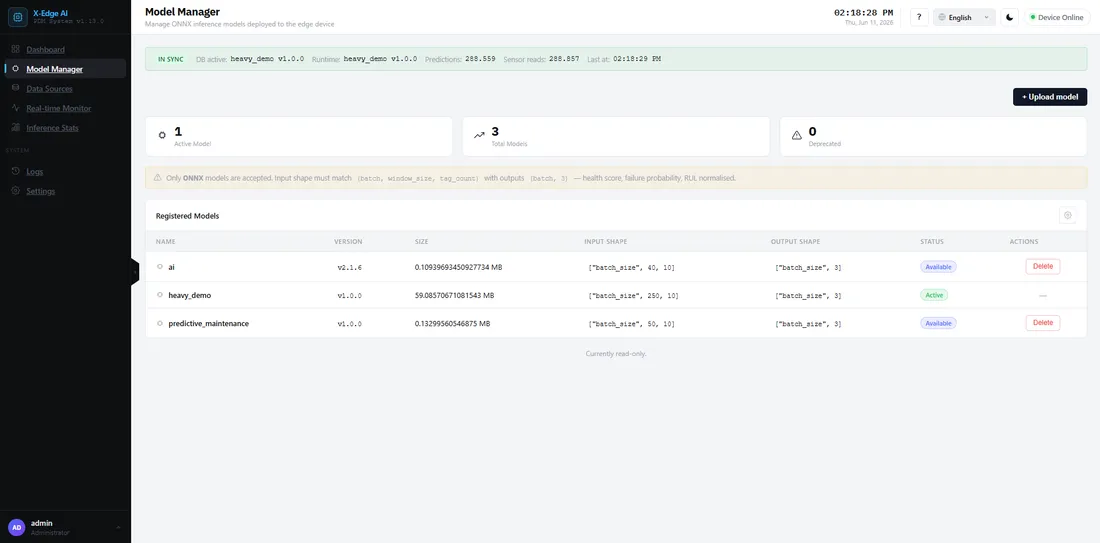
Models run on the Xisom runtime in ONNX format. You upload a model, then choose it in a flow together with an input datasource and outputs. Enabling the flow loads the model.
Supported format
Section titled “Supported format”- ONNX — the runtime accepts ONNX models and executes them with the execution provider that matches your hardware. On the Jetson TX2 that is CUDA, with CPU as the fallback. See Hardware Setup for the modes.
Upload and run
Section titled “Upload and run”-
Upload the model
Section titled “Upload the model”Go to Models and upload your
.onnxfile. The platform validates the file (extension, type, and schema) before it is available. -
Choose it in a flow
Section titled “Choose it in a flow”Create a flow and pick this model for an input datasource. If the model is not in the list, its window size or feature count disagrees with the input. Adjust the datasource or regenerate the model to match.
-
Enable the flow and start
Section titled “Enable the flow and start”Enable the flow, then press Start. Enabling loads the model into the inference service; Start begins producing predictions. See Your First Inference for the full loop.
Replacing the demo seed model
Section titled “Replacing the demo seed model”A fresh install ships a demo model with random weights — predictions are meaningless until you replace it. Upload your trained model as above, or drop it into the model-data directory and restart the inference service. The offline-bundle install page covers the file-drop path: Replace the demo model (step 5).
If something goes wrong
Section titled “If something goes wrong”- Upload rejected, the model is missing from a flow’s list, or enabling the flow fails to load it — see the Troubleshooting runbook.