
Triển khai mô hình
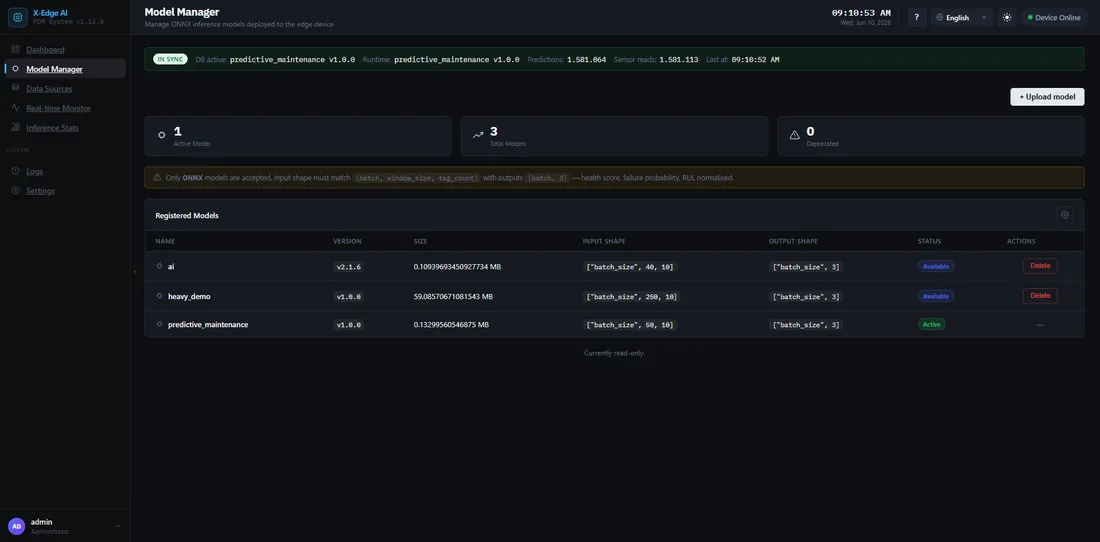
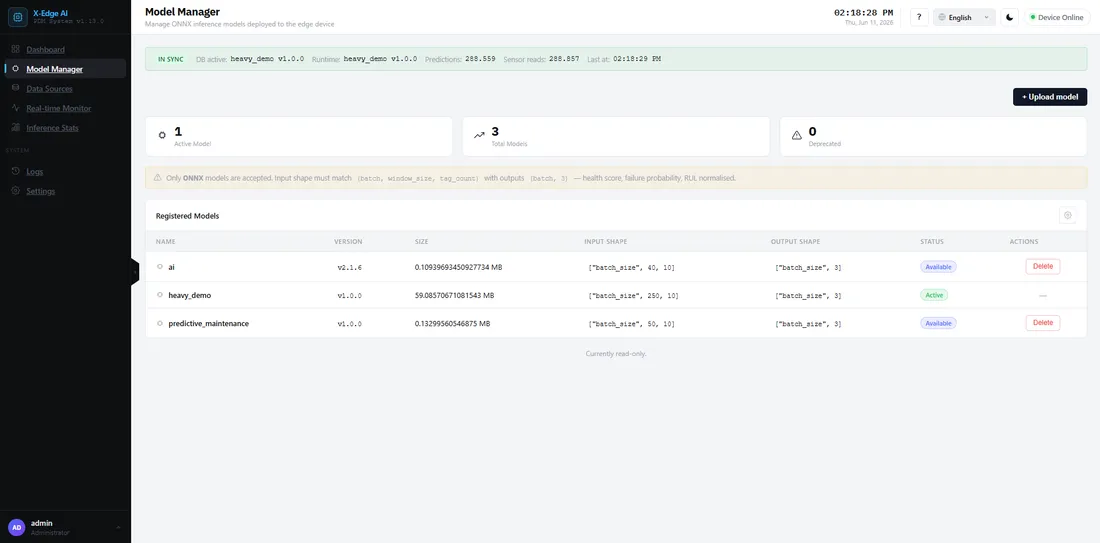
Các mô hình chạy trên runtime Xisom ở định dạng ONNX. Bạn tải lên một mô hình, rồi chọn nó trong một luồng cùng với một nguồn dữ liệu đầu vào và các đầu ra. Bật luồng sẽ nạp mô hình.
Định dạng được hỗ trợ
Phần tiêu đề “Định dạng được hỗ trợ”- ONNX — runtime chấp nhận các mô hình ONNX và thực thi chúng với execution provider phù hợp với phần cứng của bạn. Trên Jetson TX2 đó là CUDA, với CPU làm phương án dự phòng. Xem Thiết lập phần cứng để biết các chế độ.
Tải lên và chạy
Phần tiêu đề “Tải lên và chạy”-
Tải lên mô hình
Phần tiêu đề “Tải lên mô hình”Vào Models và tải lên tệp
.onnxcủa bạn. Nền tảng xác thực tệp (phần mở rộng, loại, và schema) trước khi nó sẵn sàng sử dụng. -
Chọn nó trong một luồng
Phần tiêu đề “Chọn nó trong một luồng”Tạo một luồng và chọn mô hình này cho một nguồn dữ liệu đầu vào. Nếu mô hình không có trong danh sách, kích thước cửa sổ hoặc số lượng đặc trưng của nó không khớp với đầu vào. Điều chỉnh datasource hoặc tạo lại mô hình để khớp.
-
Bật luồng và bắt đầu
Phần tiêu đề “Bật luồng và bắt đầu”Bật luồng, rồi bấm Start. Bật luồng sẽ nạp mô hình vào dịch vụ suy luận; Start bắt đầu tạo ra các dự đoán. Xem Lần suy luận đầu tiên của bạn để biết toàn bộ vòng lặp.
Thay thế mô hình mẫu demo
Phần tiêu đề “Thay thế mô hình mẫu demo”Một bản cài đặt mới đi kèm một mô hình demo với trọng số ngẫu nhiên — các dự đoán vô nghĩa cho đến khi bạn thay thế nó. Tải lên mô hình đã huấn luyện của bạn như trên, hoặc thả nó vào thư mục model-data và khởi động lại dịch vụ suy luận. Trang cài đặt từ gói offline trình bày cách thả tệp: Thay thế mô hình demo (bước 5).
Nếu có sự cố
Phần tiêu đề “Nếu có sự cố”- Tải lên bị từ chối, mô hình không có trong danh sách của luồng, hoặc bật luồng nhưng không nạp được mô hình — xem runbook Khắc phục sự cố.